Role
Product Designer
Platforms
iOS, Android, Mobile Web
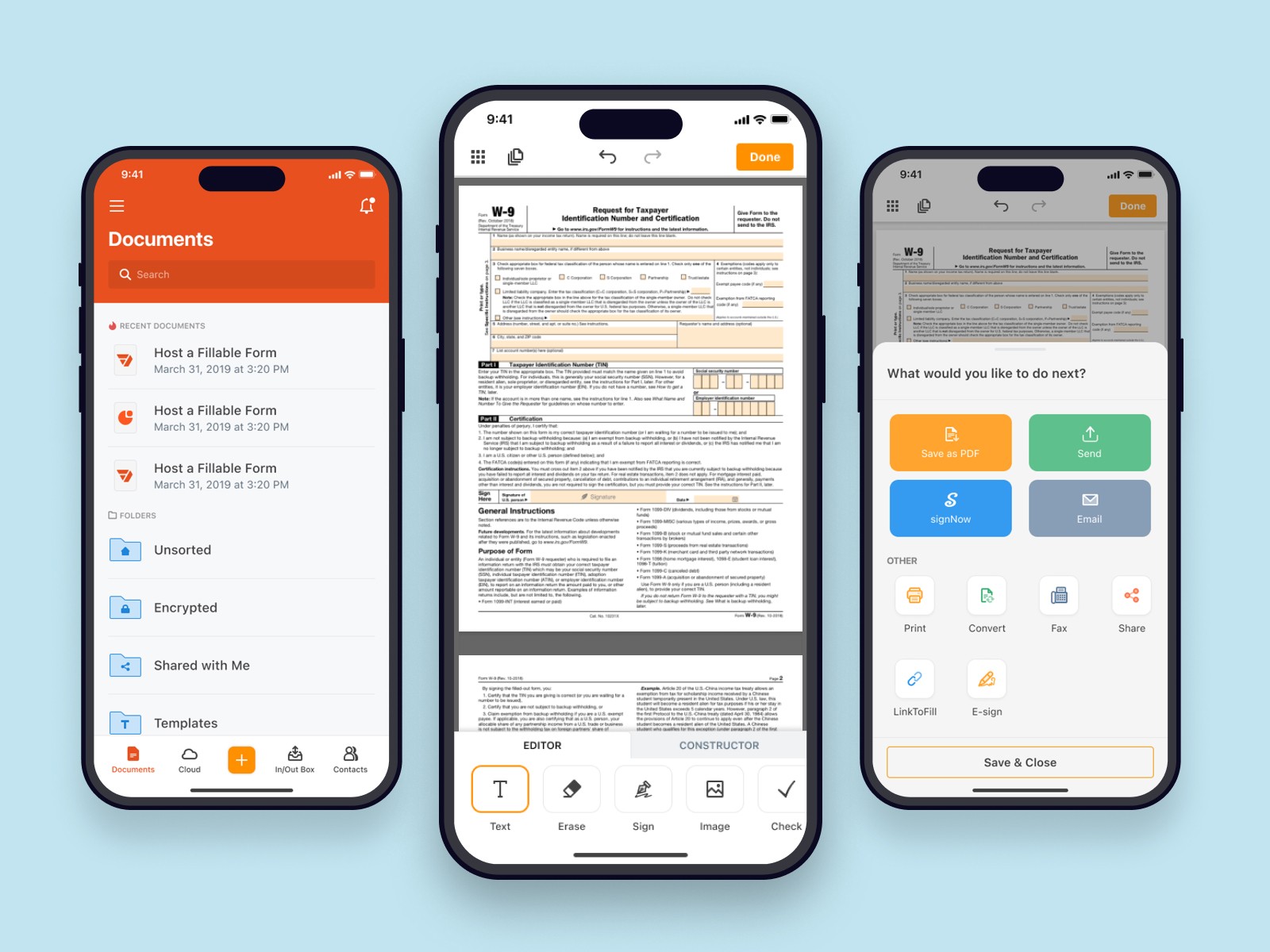
pdfFiller is a SaaS tool for working with documents: editing PDFs, filling out forms, signing them and sharing with other people. The mobile app brings these workflows to iOS, Android and mobile web so people can handle documents away from their laptop.
On the mobile side I was the only designer for almost 10 years. I owned the overall product experience and worked closely with a PM and engineers on all major flows in the app — from the first mobile versions of our document workflows to ongoing improvements driven by business goals and user feedback.
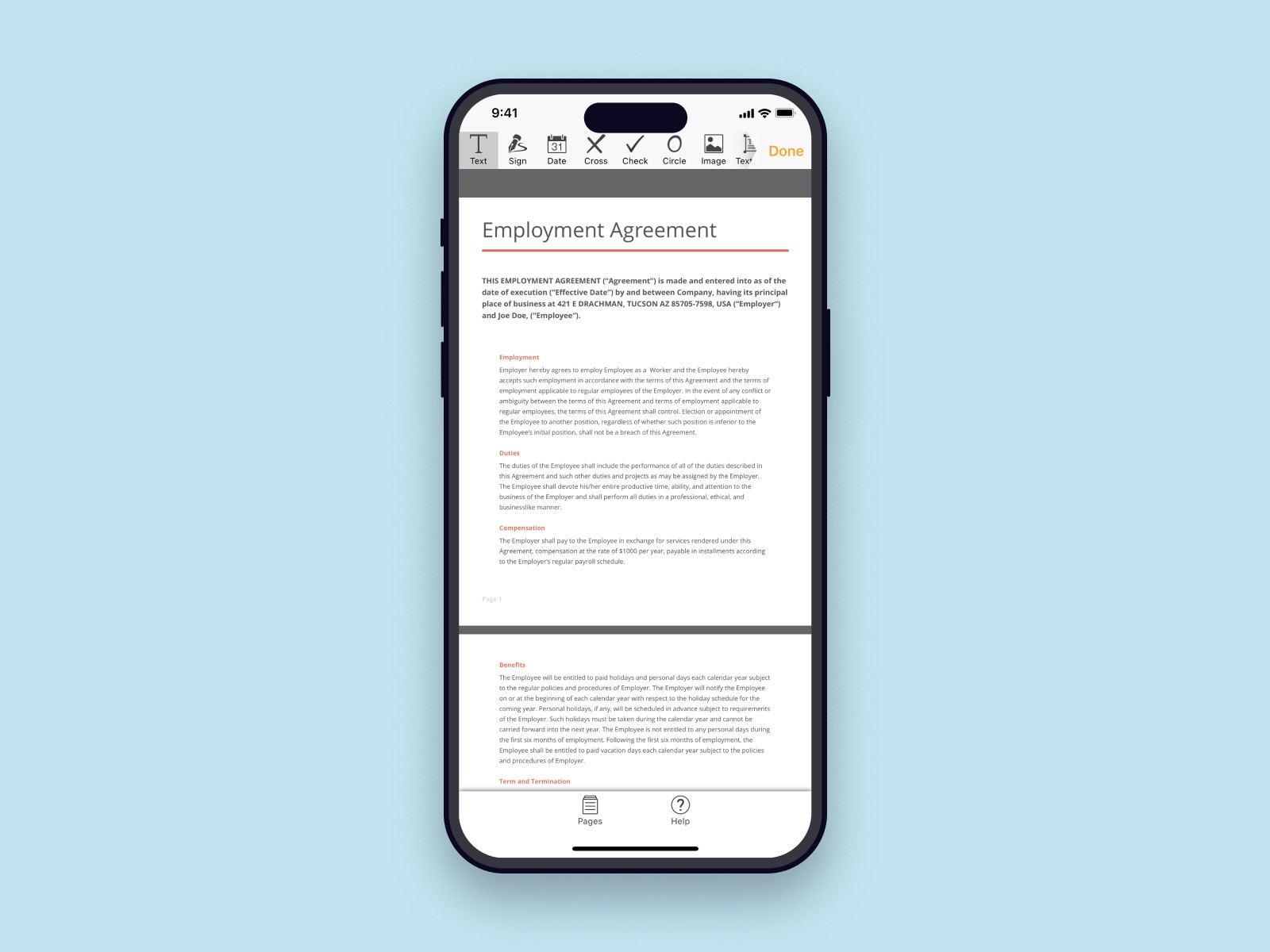
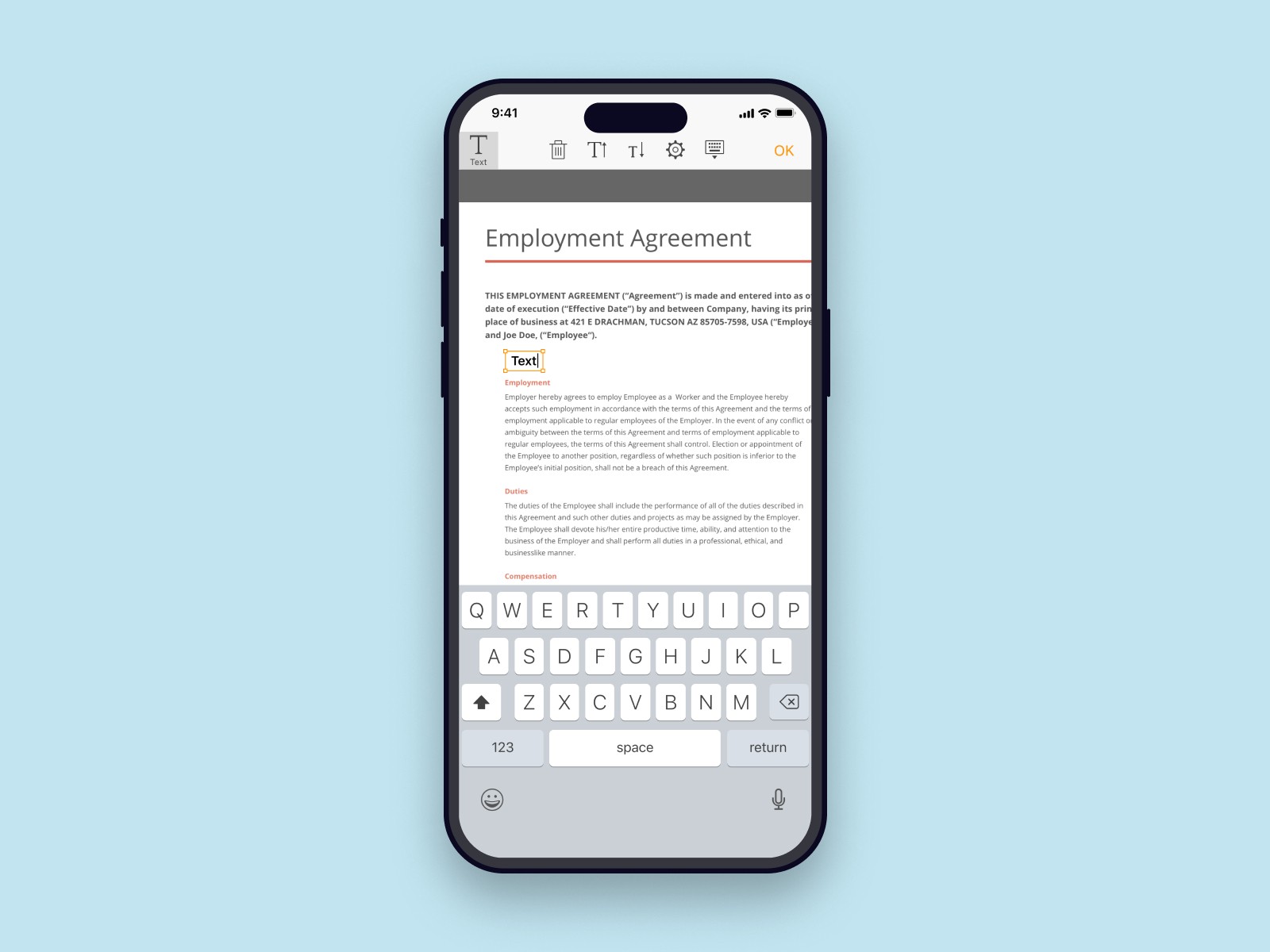
The first version of the editor reused a lot of patterns from the web app. There was a small toolbar under the navigation bar with lots of small tools that are difficult to tap on. The editor didn't have tools for preparing a document for someone else to sign — you could make basic edits and annotations but not build a fillable form for others.
It was hard to reach the tools at the top with one hand, people mis-tapped actions, and many users didn’t realise they could or should complete the whole flow on mobile.
We saw this from several angles:
product analytics showing that about 30% of editing and filling flows were abandoned,
real session recordings that confirmed people often mis-tapped with the existing layout,
tickets to support team,
our own day-to-day use of the app.
In short, the editor had serious usability issues: it has a lot of features, but in practice it felt hard to use on the phone.
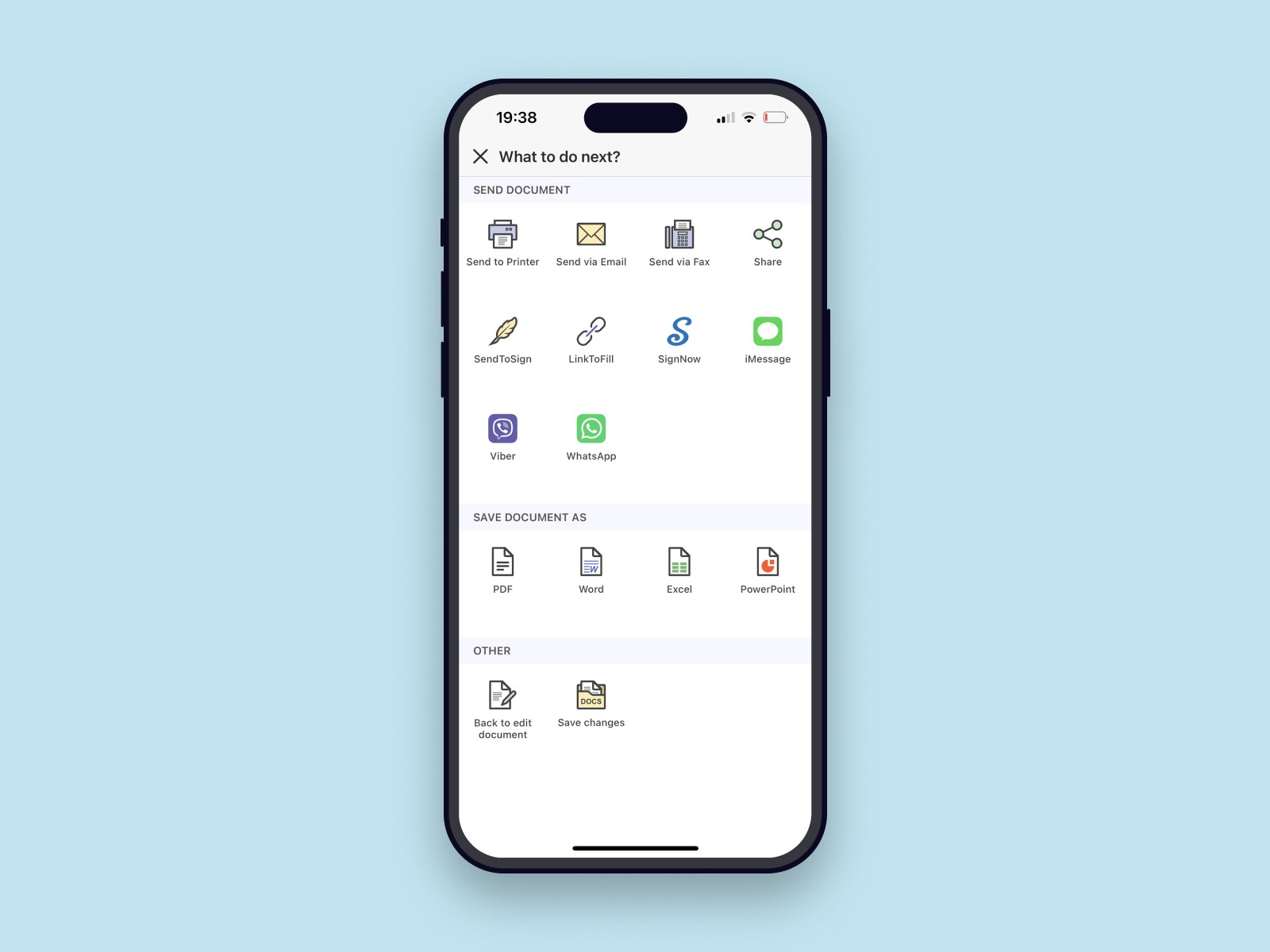
The goal was straightforward: raise the completion rate of main flows. Make the mobile editor easier to use — so that working with documents felt lighter, faster and with fewer mis-taps — without turning it into a “lite” version of the web editor. We wanted people to comfortably complete real tasks on their phone, not just preview a document and finish everything later on desktop.
We focused on a few key flows:
open a document someone sent you, fill in the fields and sign it;
fill out prepared forms (like tax or legal forms) and send them;
prepare a document for filling and signing by other users/clients.
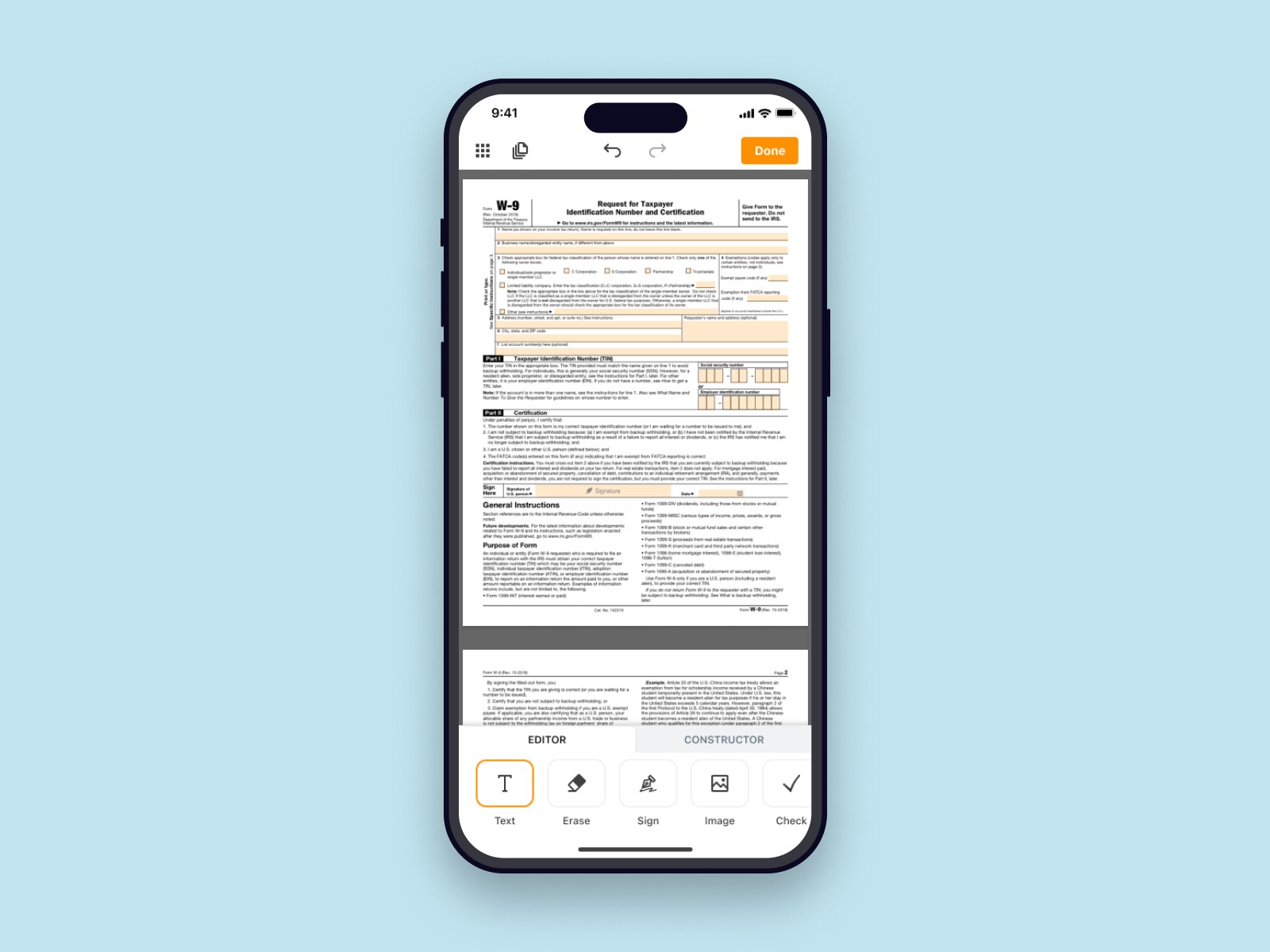
In the redesign, primary actions moved from the crowded top toolbar into a bottom area inside the thumb zone. Tools were regrouped so they’re easier to scan and less likely to be hit by accident. On top of that, I introduced two modes controlled by tabs:
Edit — for making changes to content and simple annotations,
Prepare — a new mode for building fillable forms before sending a document to someone else.
This structure made the editor feel much more like a focused tool instead of a packed toolbox. Quick edits stayed simple, and preparing a proper form for someone else finally became realistic on mobile.
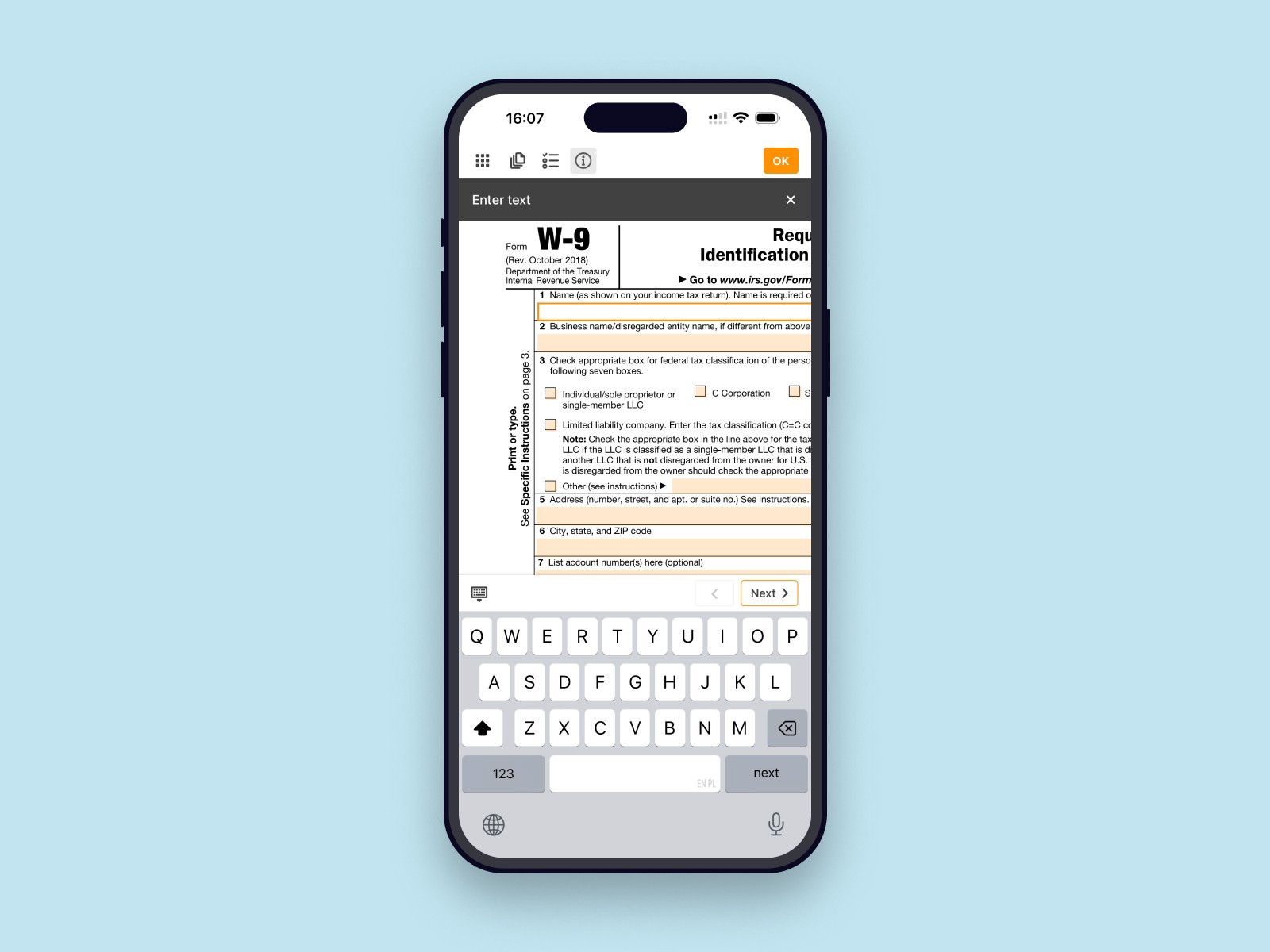
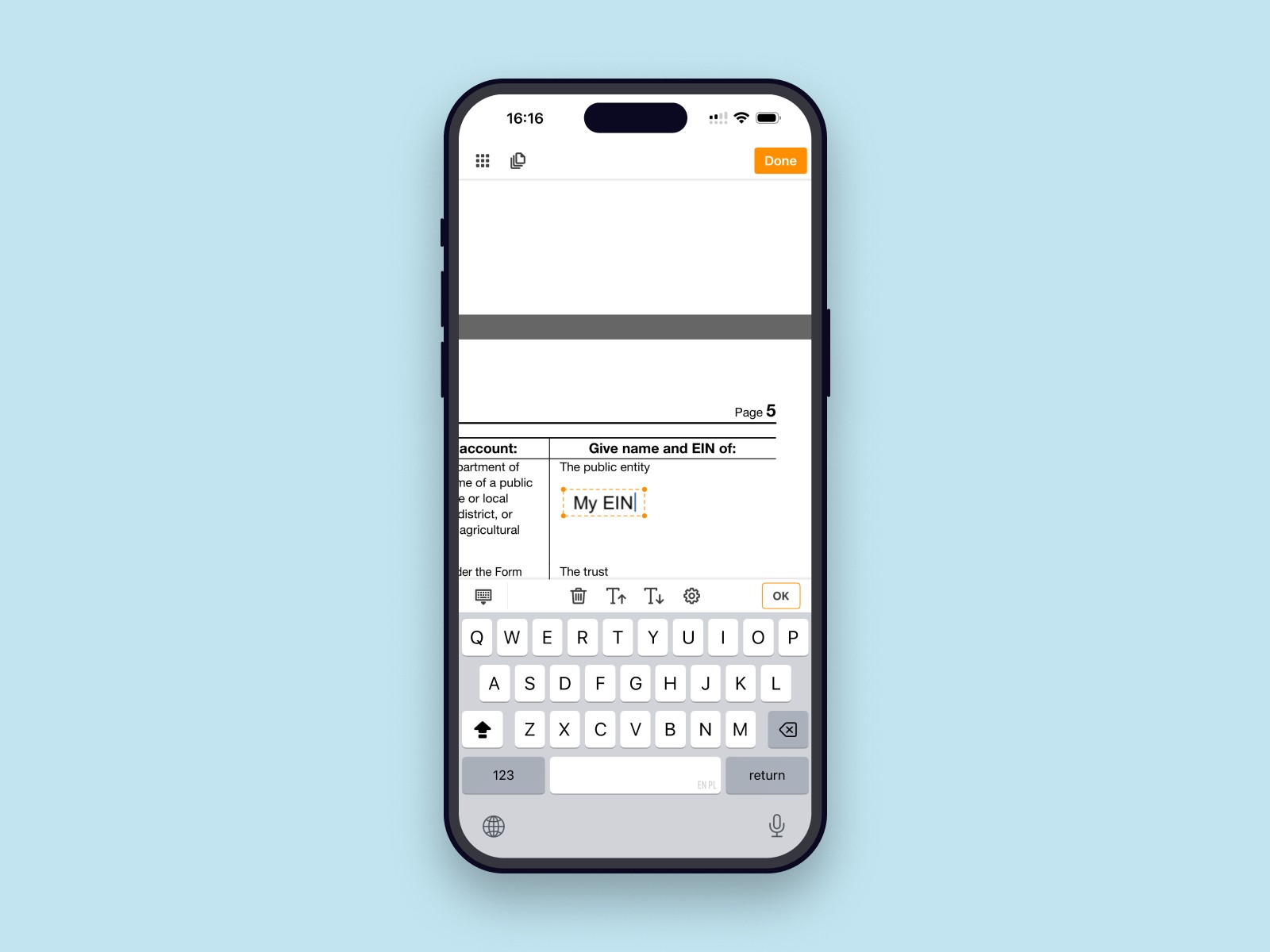
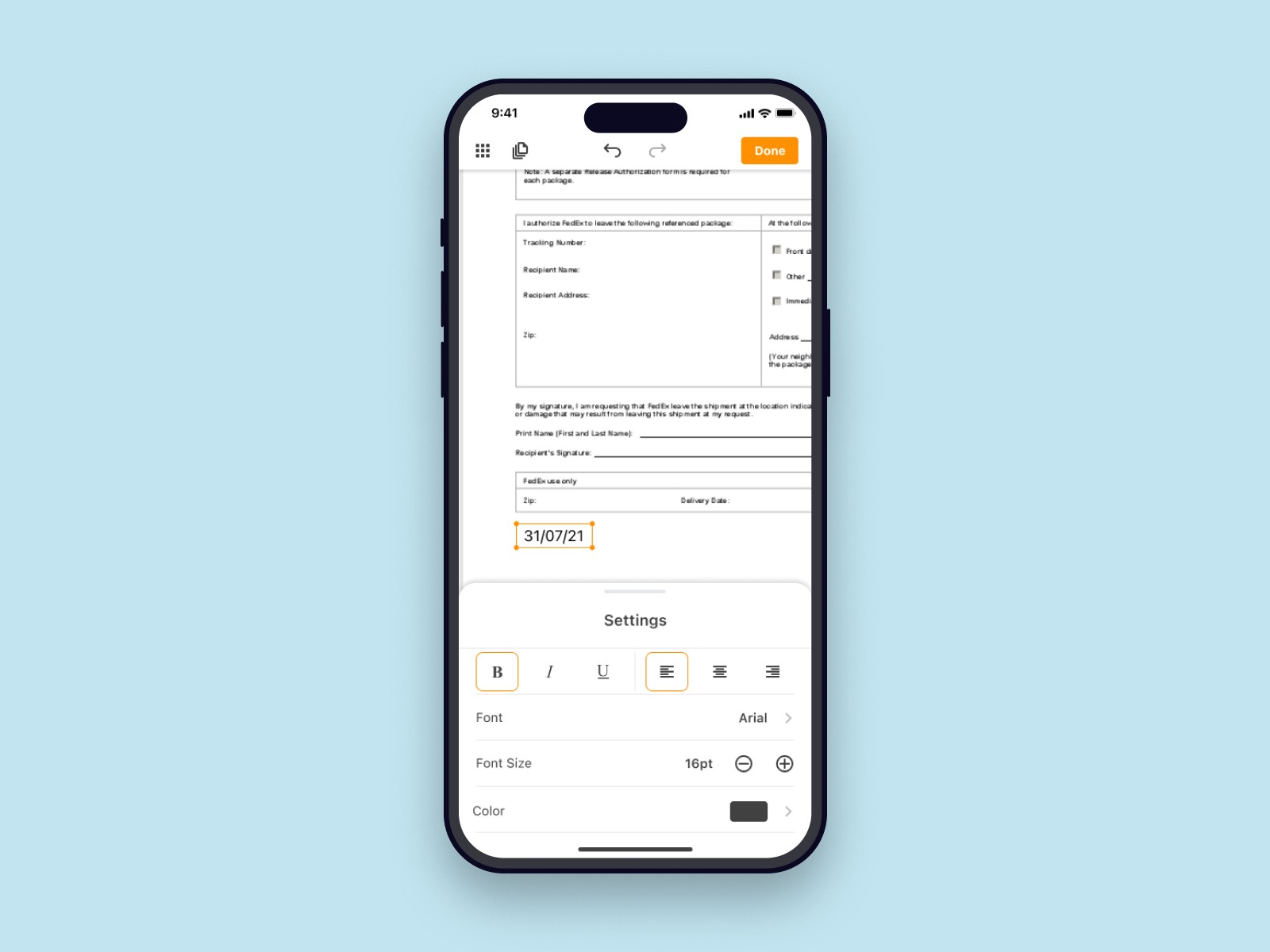
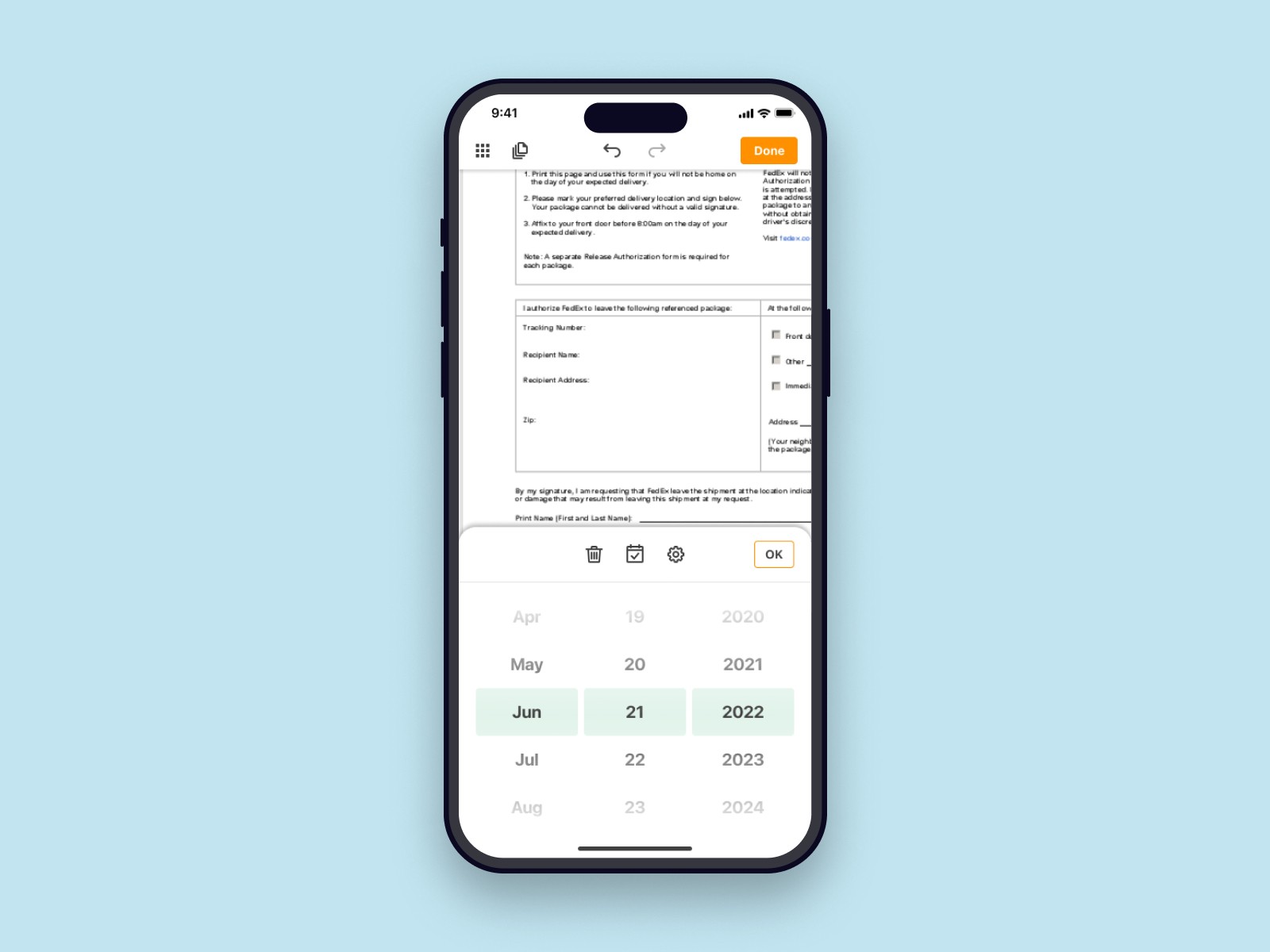
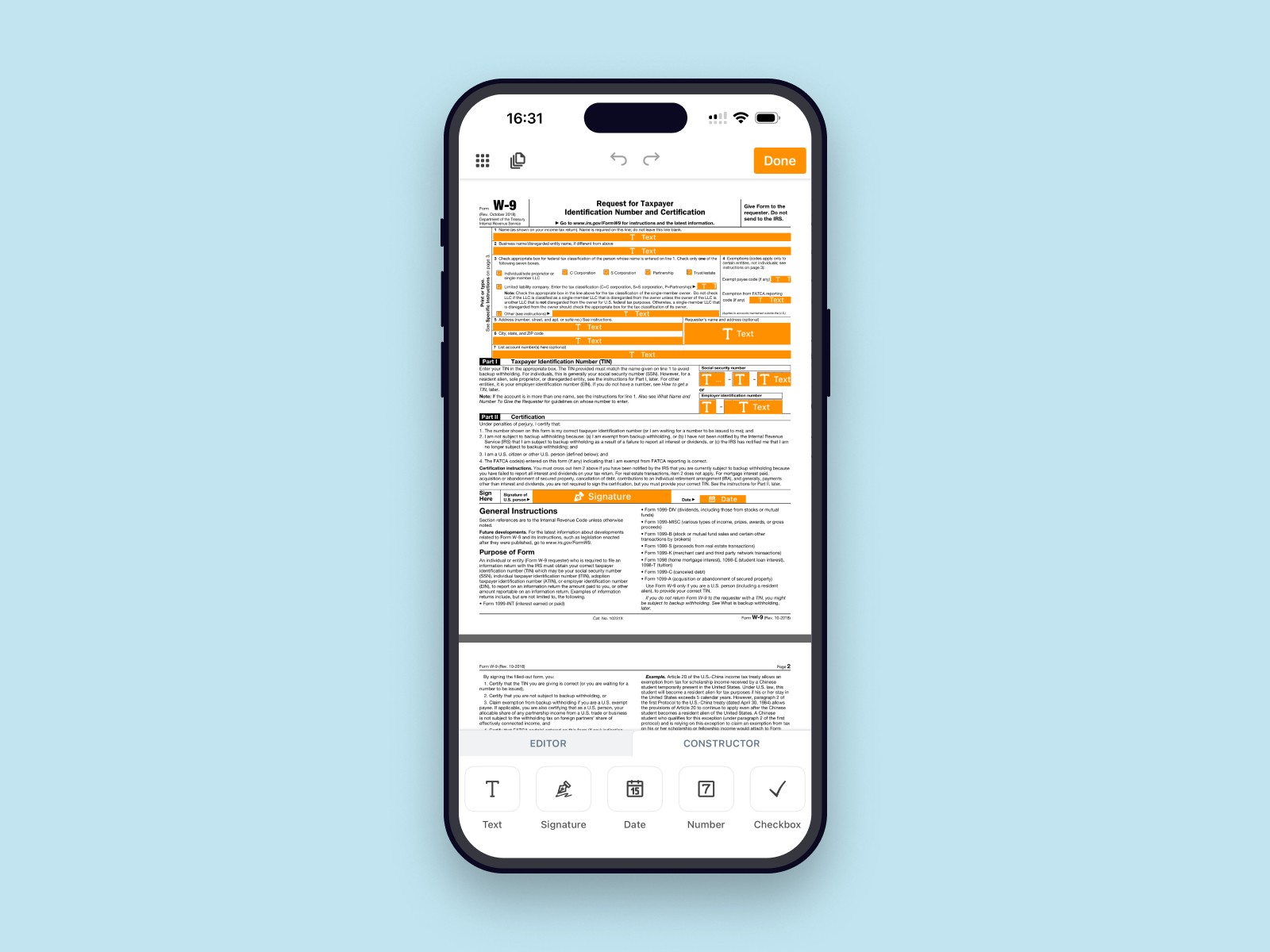
We rolled out the new editor through A/B tests and tracked how people used it in production. Based on product analytics, completion rate for "fill + sign + send" flows increased by around 10–15%. So about 85% finish these tasks directly on mobile instead of just opening a document on their phone and then switching to desktop to complete the same flow. In session recordings users moved through the key steps with fewer hesitations and fewer mis-taps on tools.
For me, the main lesson was that redesigning a mature product is less about big, flashy changes and more about careful evolution. Moving the toolbar into the thumb zone, reshaping how tools are grouped and introducing separate Edit and Prepare modes may look like small decisions on their own, but together they made the editor feel much more usable on a phone.
The same layout and interaction principles later helped us keep the mobile editor consistent as we continued to refine forms and signing flows over time.