Role
Product Designer
Platforms
iOS, Android
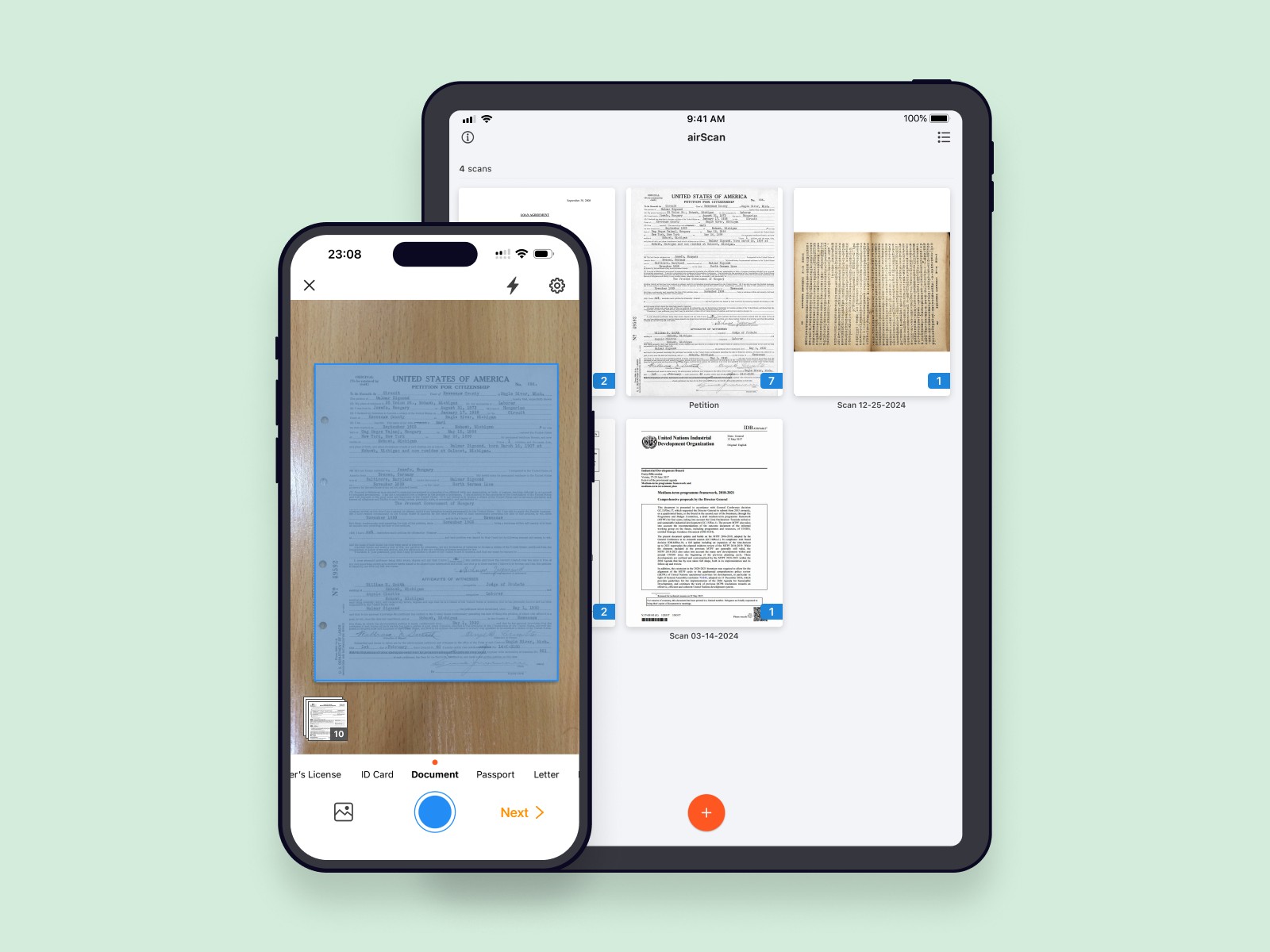
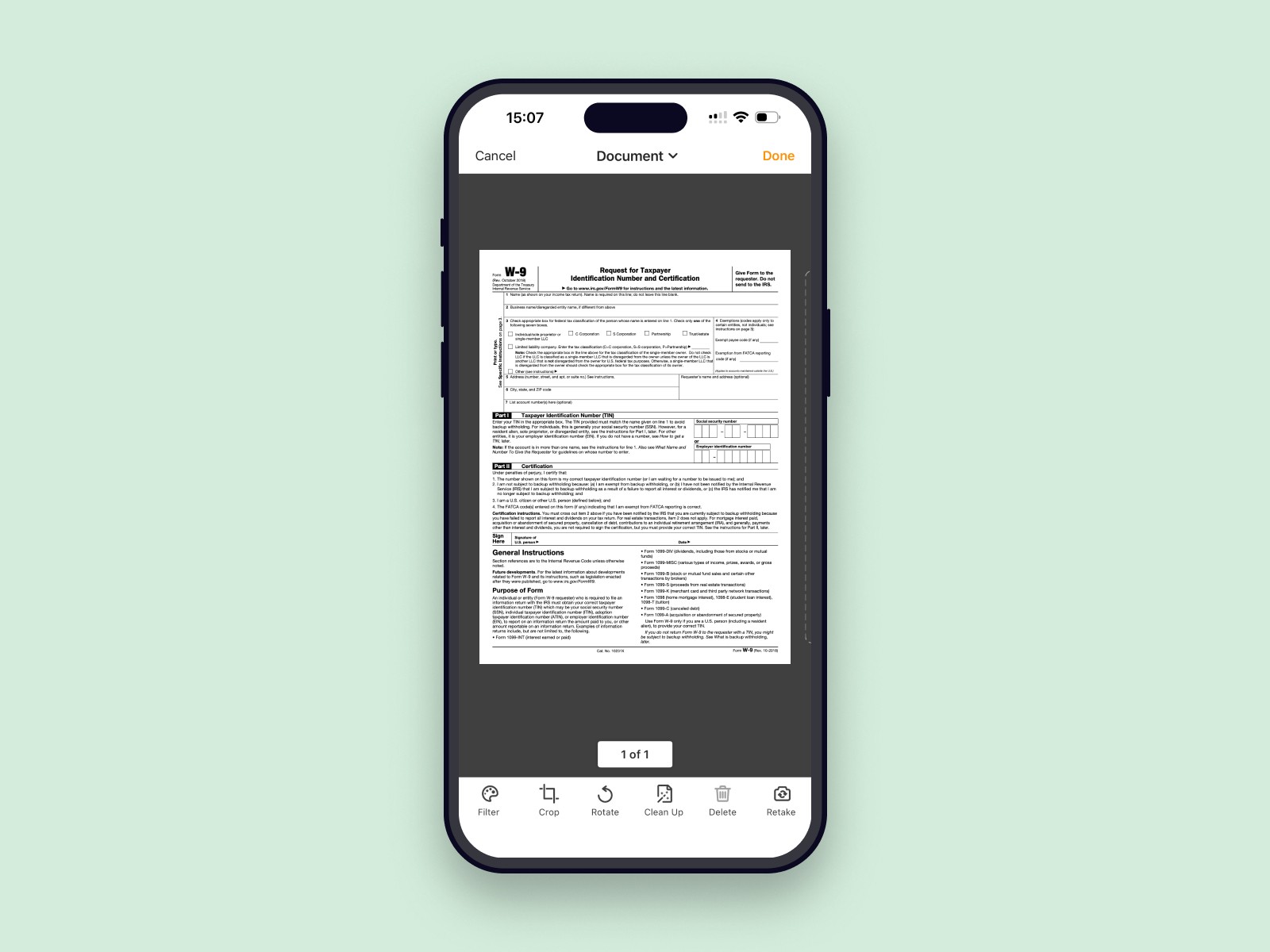
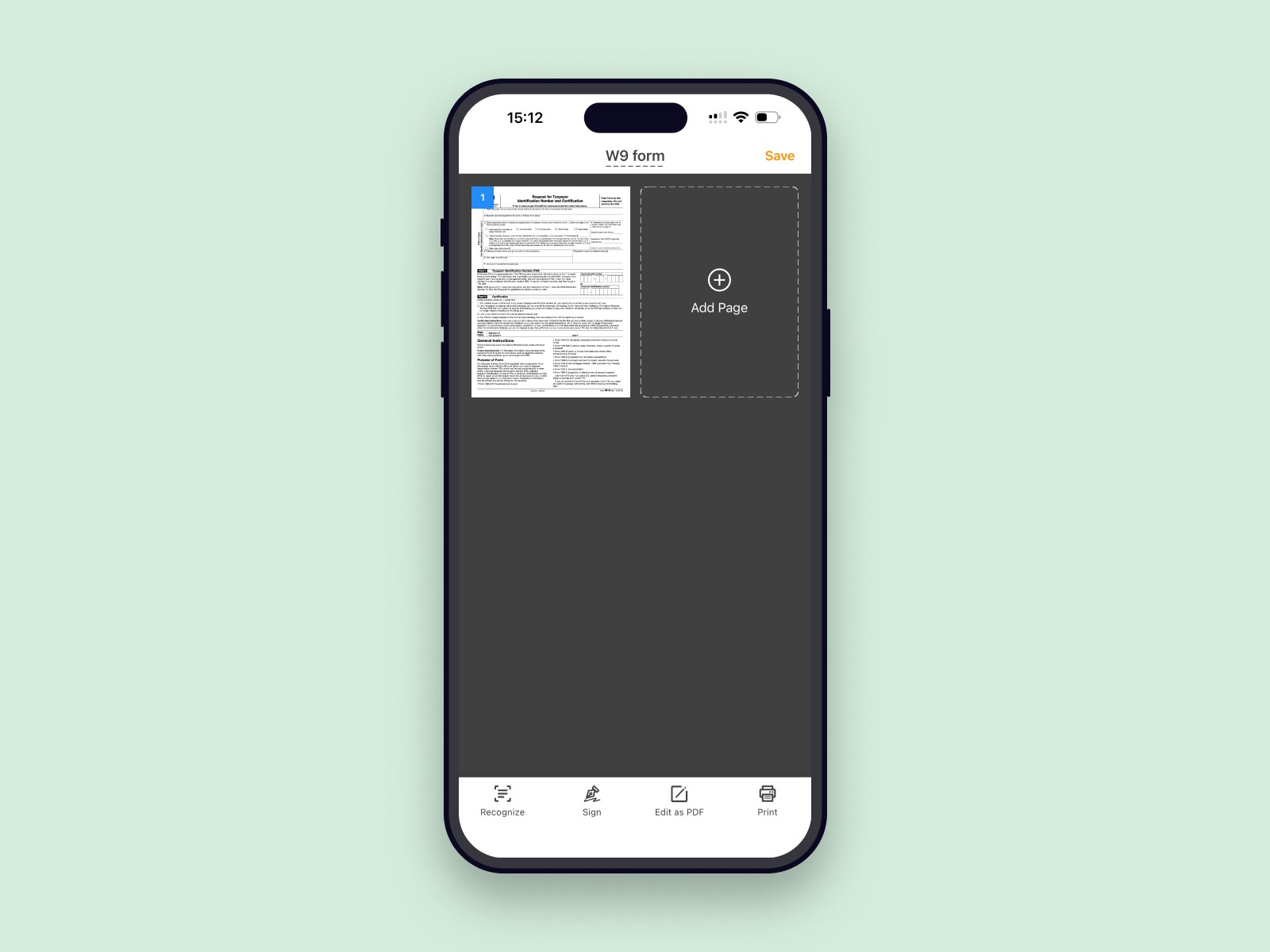
airScan is a lightweight scanner for iOS and Android. It lets people take a photo of a document, automatically detect the page, fix the perspective, apply simple filters, run OCR and export a clean PDF. From there users can share the file or send it to pdfFiller to edit and sign.
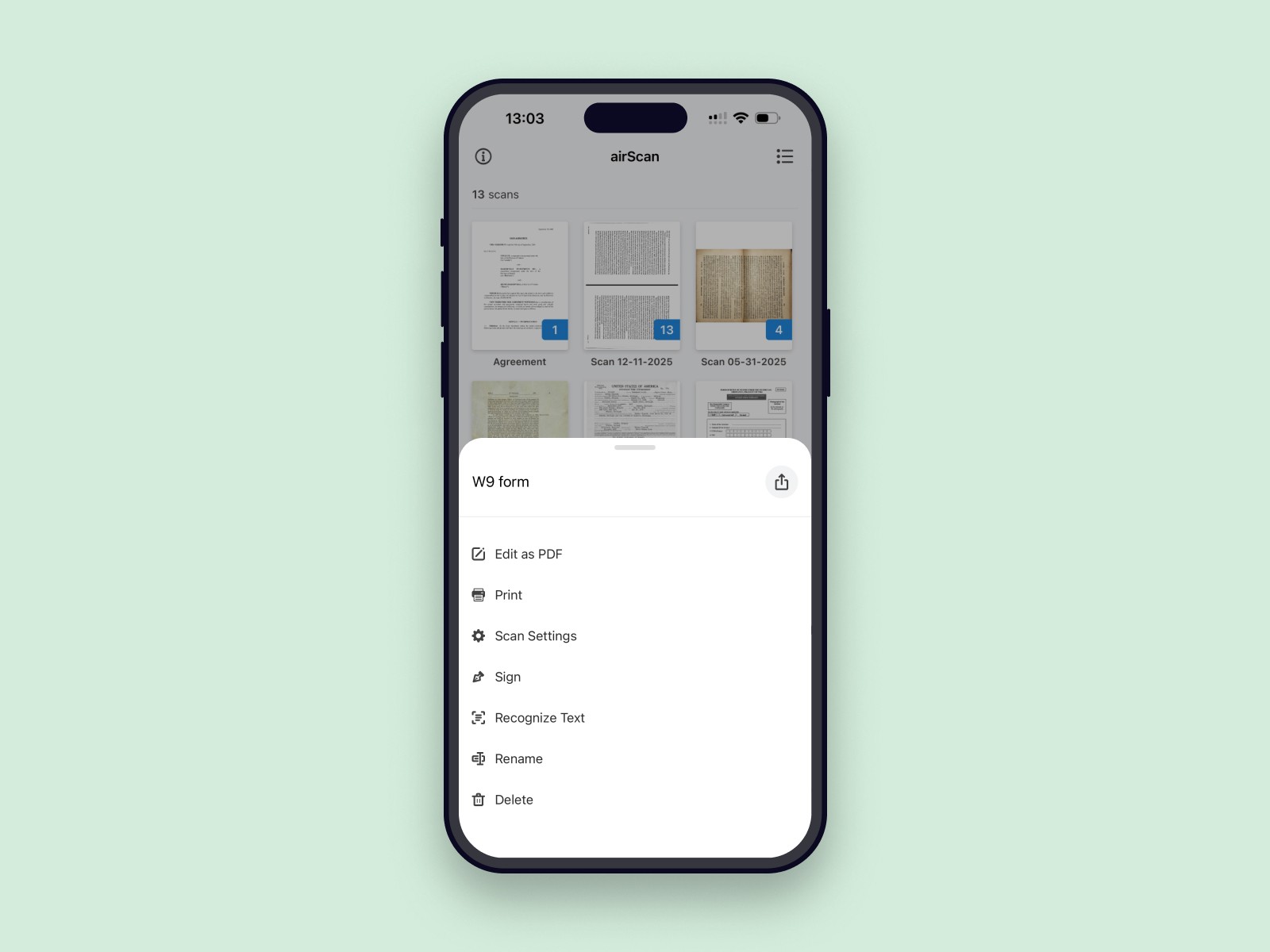
I worked on airScan from the very beginning — from early wireframes and competitive research to the final UX and UI. I was responsible for the overall experience: how intuitive it feels, how clean the interface is, how well it handles “imperfect” photos, and how the app connects to the main pdfFiller product through the “Edit as PDF” action.
We saw that many people still added documents to pdfFiller in a clumsy way: taking a quick photo on their phone, emailing it to themselves, then trying to clean it up on desktop. At the same time, there are a lot of people who simply take pictures of contracts, receipts and forms just to “save” them — even if they don’t yet use any proper document tools.
Our hypothesis was that people who scan or photograph documents on their phone are very likely to become good pdfFiller users later: they already have a document and a reason to do something with it. If we give them a simple, high-quality scanner, we can offer “Edit as PDF” as a natural next best action that will lead them to our main application.
To design the product, we looked at market leaders in the scanner category and analysed which features and patterns felt like table stakes: auto-detecting pages, fixing perspective, decent filters, OCR, multi-page support and a clean, focused UI. The goal was not just “another scanner”, but a product that feels competitive in a crowded space and fits naturally into the pdfFiller ecosystem.
The main design goal for airScan was to keep the experience intuitive: open the app and immediately understand what to do, without any onboarding screens or lengthy explanations.
A few key principles guided the UX:
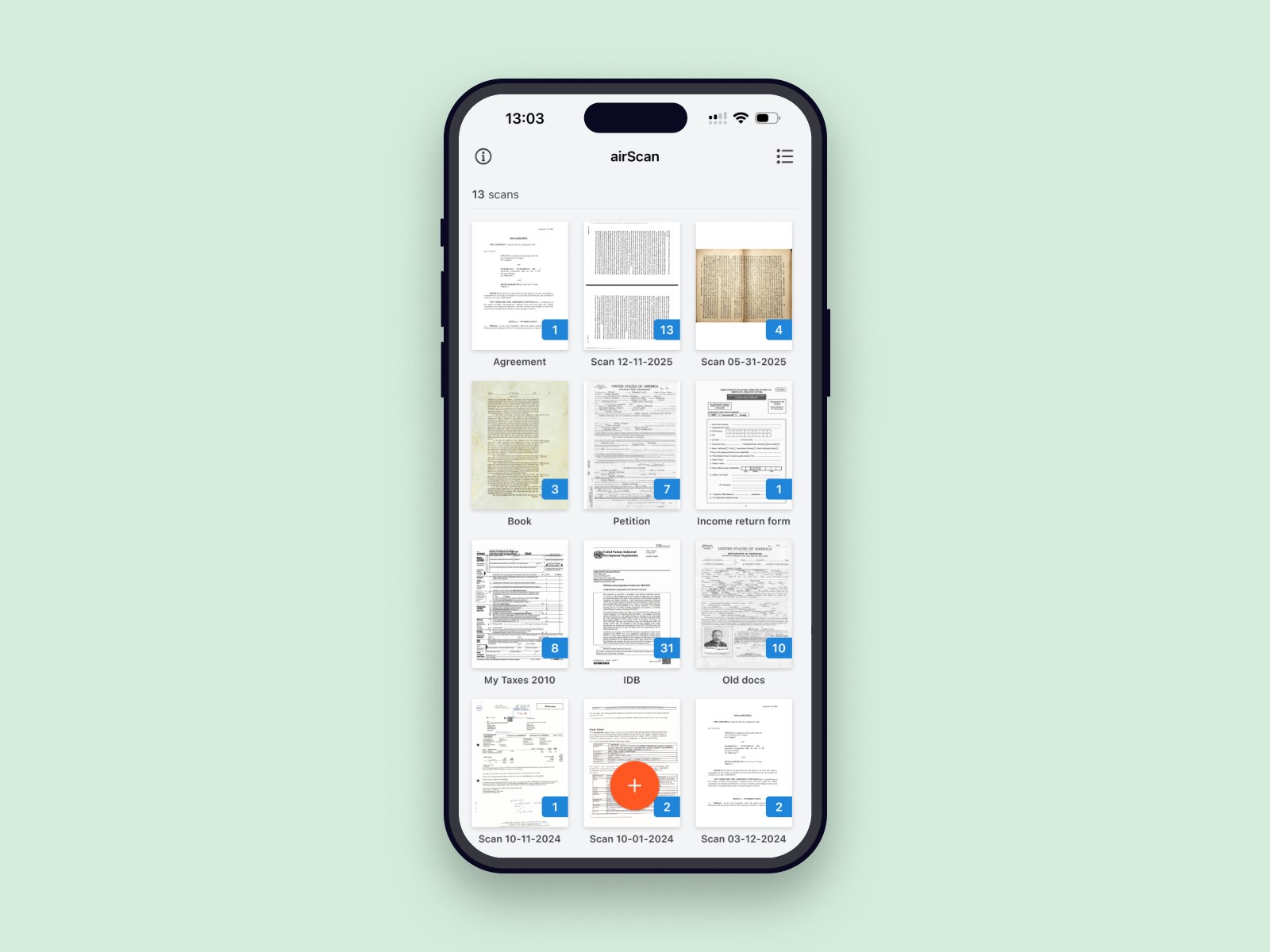
Clean interface. The intuitive camera view takes center stage on the first start, with a few clear controls on the bottom of it. Next times user have access to documents that he already scanned and quick access to start new scan.
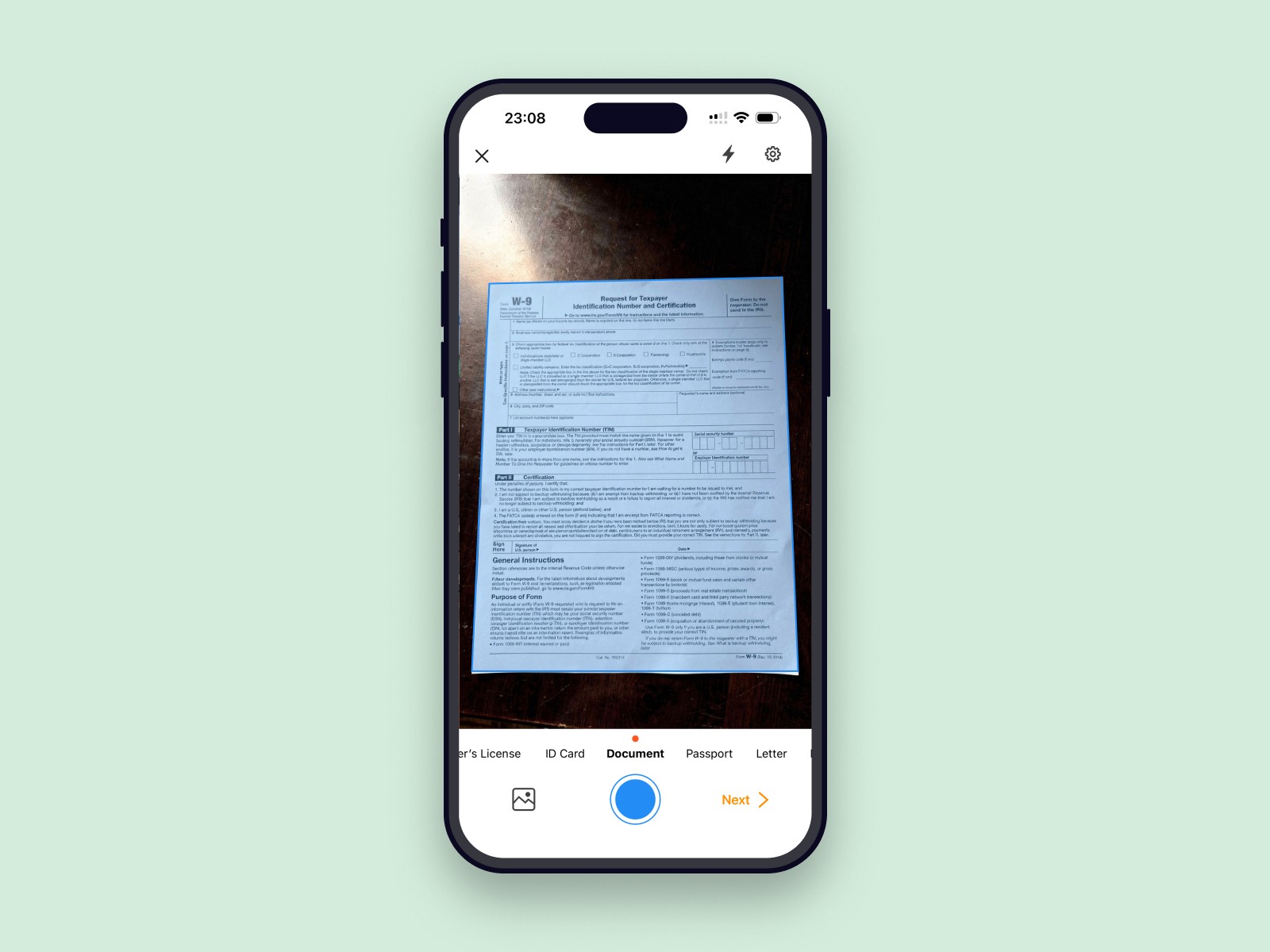
Perspective corrections. We added automatic edge detection and simple corner handles so that even slightly crooked shots can be corrected into a proper scan. The user always has a chance to quickly fix the frame and perspective before saving.
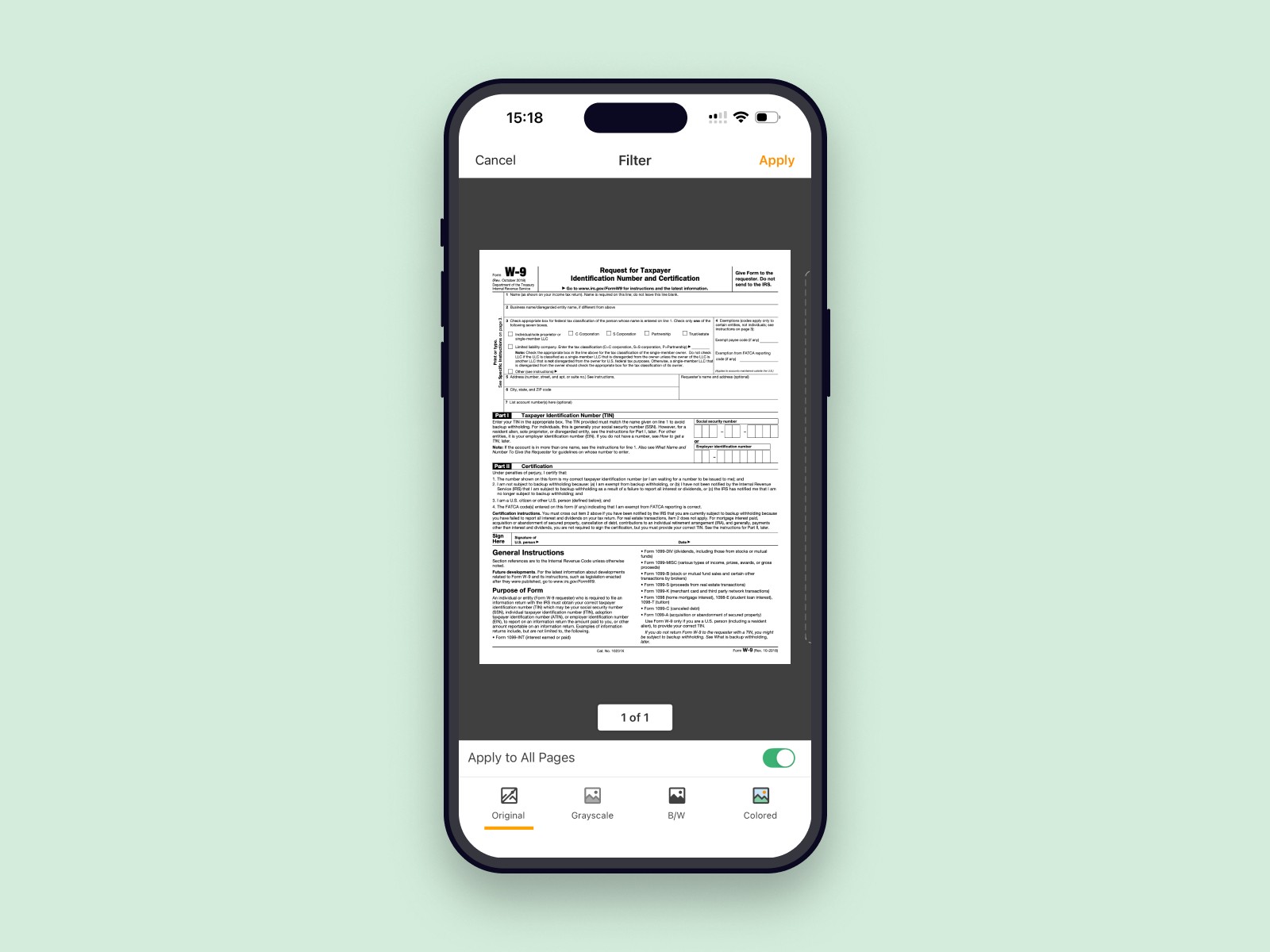
Simple and well-known filters. Original, black & white, grayscale and colored. The goal is a scan that looks clean and easy to read, not something aggressively over-edited.
We also supported multi-page scanning, so users could quickly build a single PDF from a stack of pages.
After launch we tracked how people used airScan and how many of them continued into pdfFiller. Conversion from airScan into new pdfFiller users through the “Edit as PDF” action was around 8% — a decent result for an organic-only launch in a crowded scanner market, but still below what we initially hoped for.
On its own, airScan performed well as a scanner: it kept a rating above 4.2★ in the stores, received positive feedback about simplicity and scan quality, and quickly became a go-to tool inside the company — I still like using it myself when I need to scan something.
The bigger long-term win came when we reused the same scanning flow inside the main pdfFiller mobile app as another way to add new documents. Instead of living only as a separate product with its own acquisition challenges, the scanning experience became a native part of the core product.
Not every standalone app experiment becomes a big acquisition channel, even if the product itself is solid — but it can still create value when its best parts are integrated back into the core experience.
For utility apps like scanners, intuitive flows and predictable, readable results matter more than “wow” features. People just want a clean scan with minimal effort.
A good “next best action” like “Edit as PDF” works best when it feels like a natural continuation of what the user is already doing, not a forced marketing push.
Even with a well-rated, feature-complete app, it’s hard to stand out in a saturated category without dedicated marketing support — especially when competing against long-established scanner brands.